 Genie Scout
ReferenceFileGS 26SubjectFeaturesSeasonFM 26
Genie Scout features
Everything Genie Scout does, in the order the home page tells it, with every capture at full size. g marks what the g edition adds. Screens come from example FM 26 saves; numbers in yours will differ.
Ratings
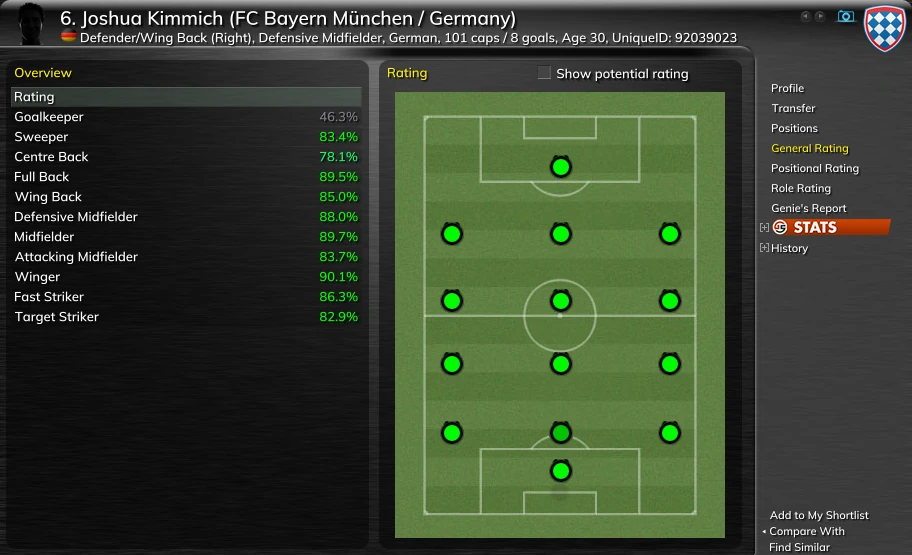
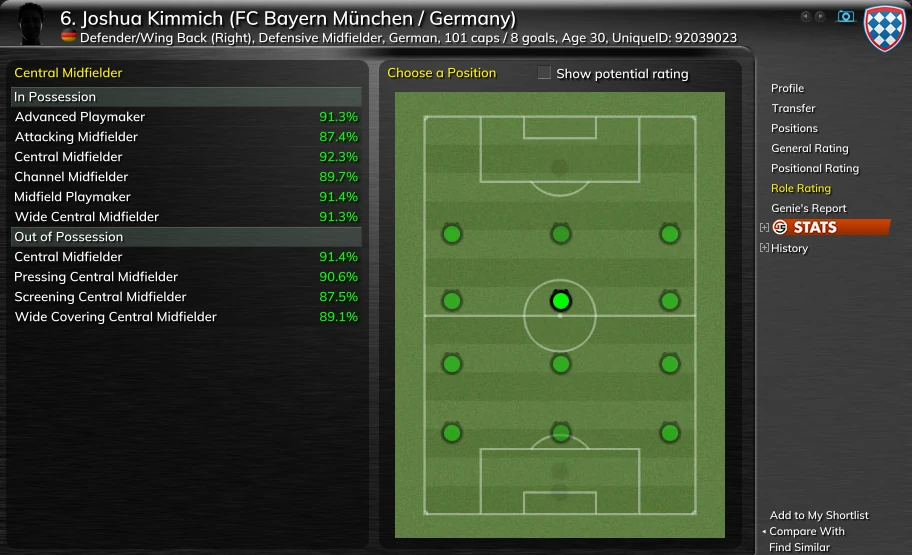
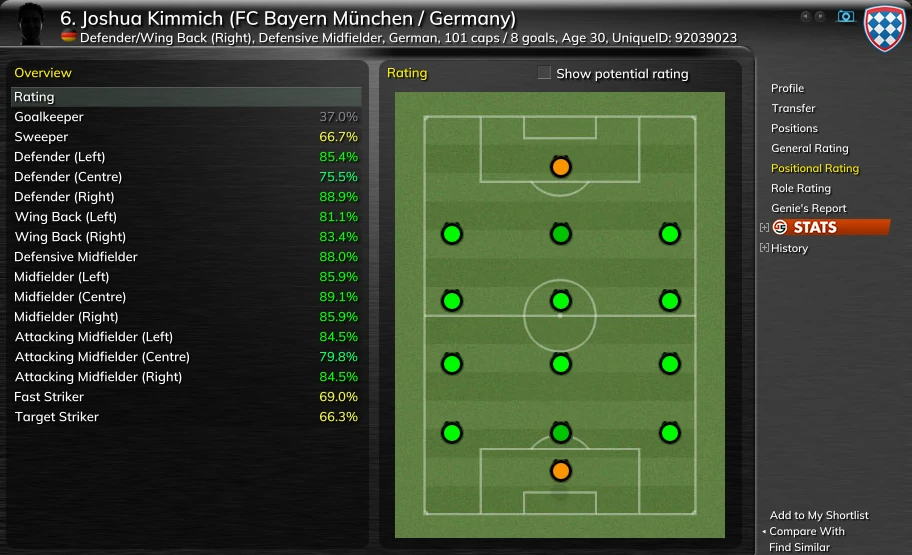
Three ratings for every player in your save, each today and at his peak. They turn attributes into one number per job, so a defender and a winger can be read on the same scale.
- General Rating at every position group, from goalkeeper to striker.
- Positional Rating at each position on the pitch, left, centre and right.
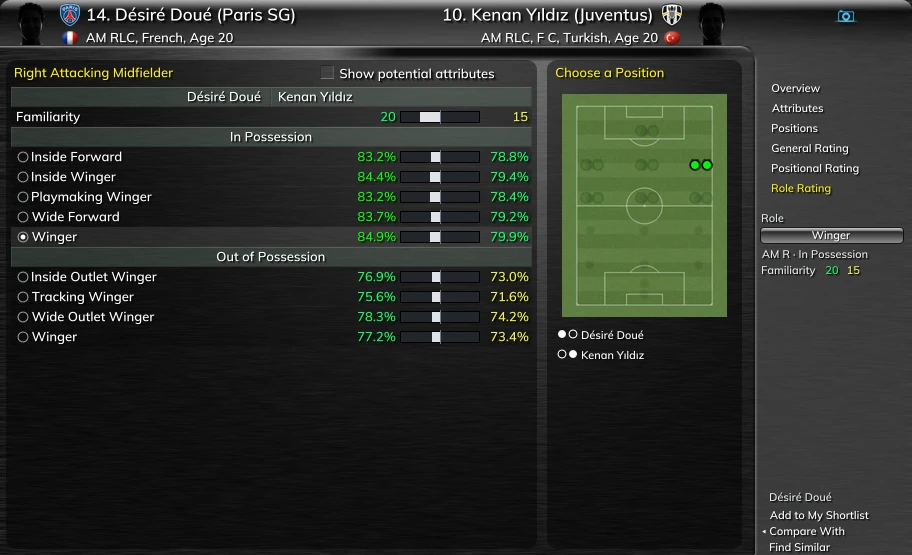
- Role Rating for every FM role at a position, in possession and out of possession.
- Best Rating and Best Pot Rating as columns in the player lists, and as filters on the ribbon.
- The Rating Editor changes how each rating weighs the attributes.
Potential and development
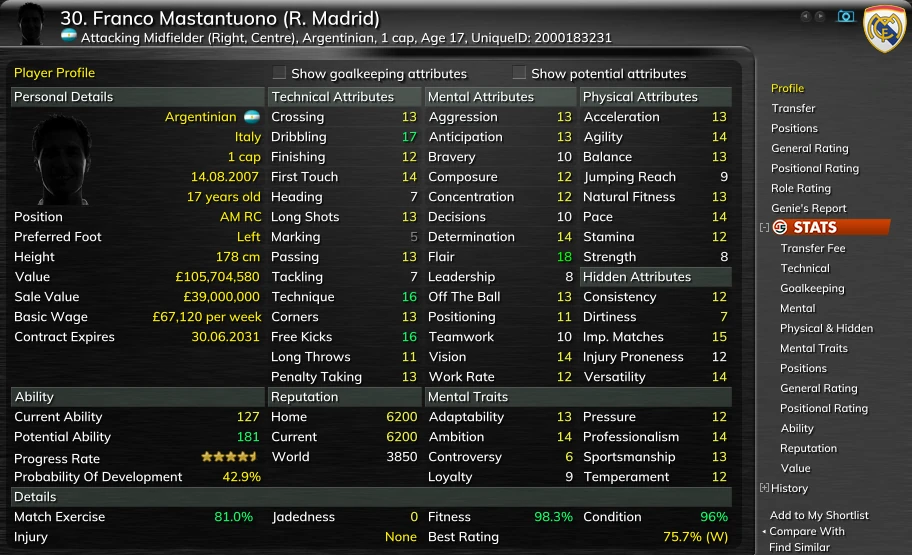
Tick Show potential attributes on a profile and every attribute moves to its projected value at his peak. The projection comes from his potential, his age and how attributes grow in each position, so his Peak Ability can sit below his Potential Ability.
- Progress Rateg: how fast he is developing, in stars.
- Probability of Developmentg: how likely he is to reach his potential, weighing things such as Professionalism, Ambition and your club's training facilities.
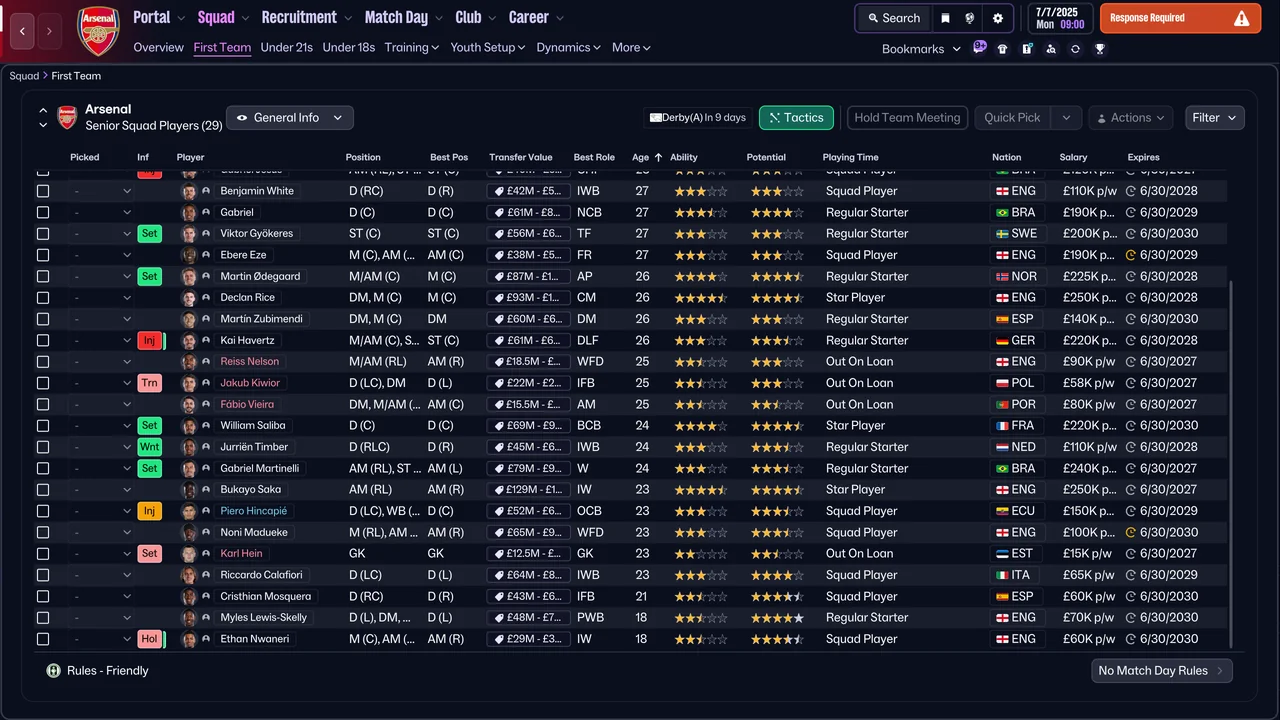
- Top Players Listsg: the best and the most promising players, for the world, a continent, a country or a division.
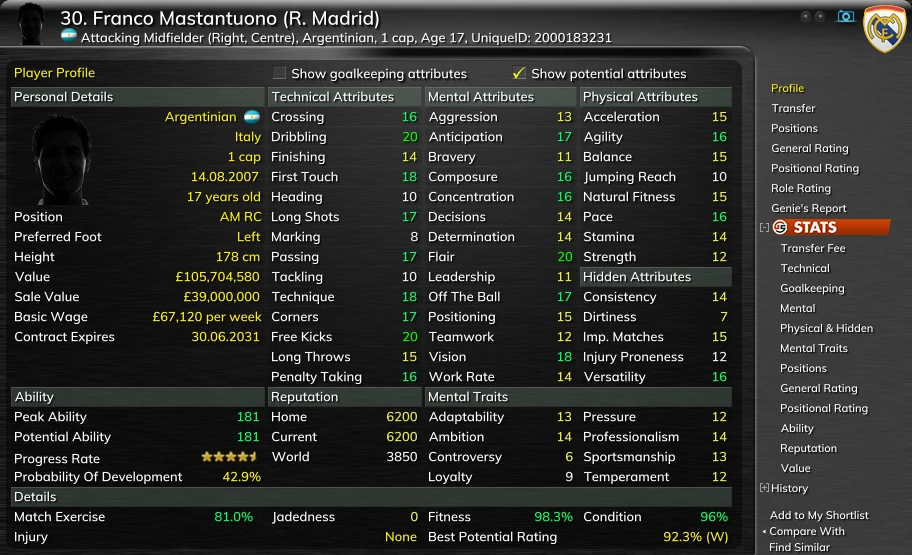
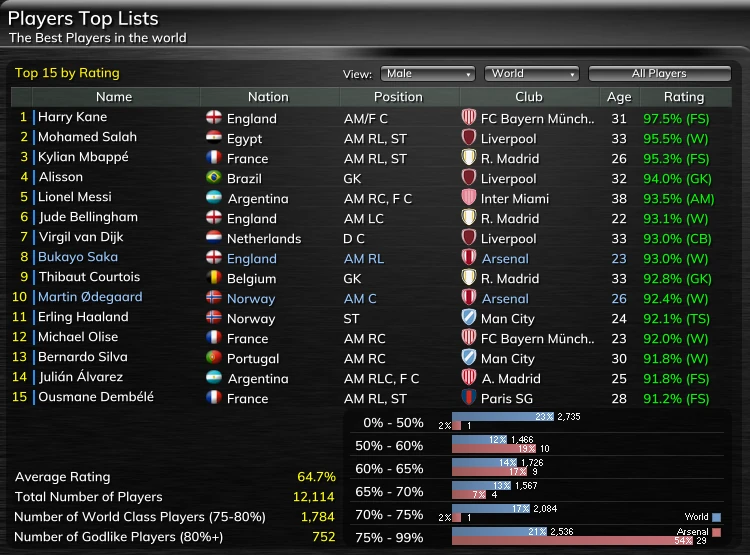
The Player Profile, page by page
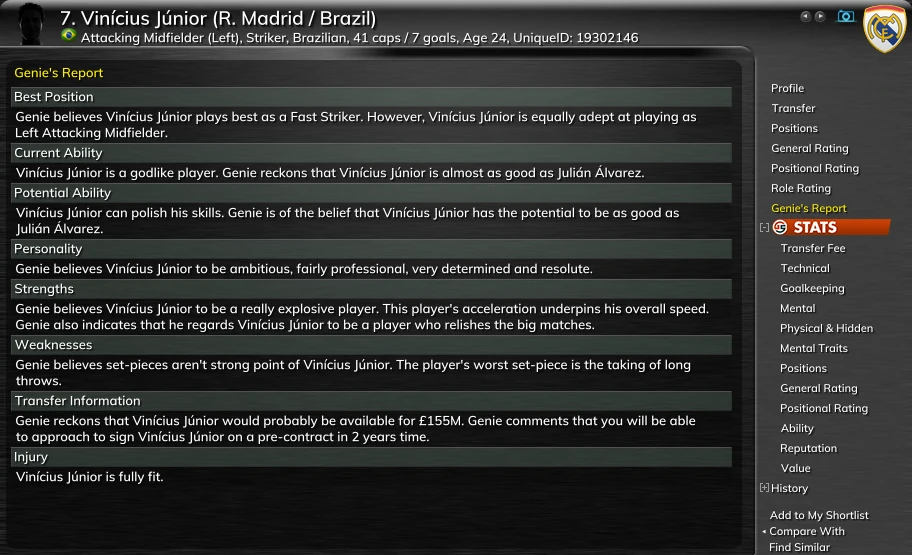
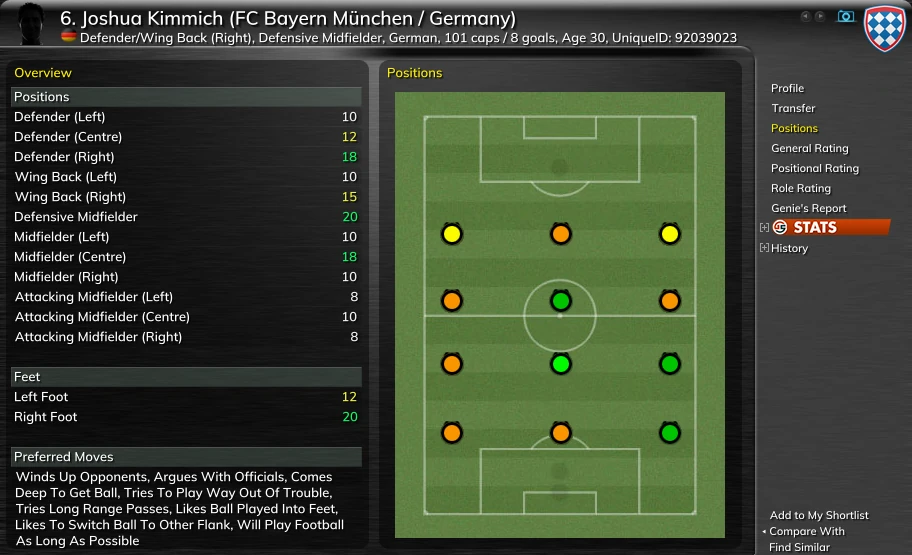
What matters about a player, on one profile: hidden attributes, Mental Traits, contract details, release clauses, relations, injuries, and an estimated Sale Value.
- Profile, Transfer, Positions, the three rating pages and Genie's Report, a scout's summary in words.
- GS STATSg and History, how he developed elsewhere and in your save.
- Step through the list with the arrow keys, add him to My Shortlist, compare him, or find players like him.
- The camera button saves a picture of the page.
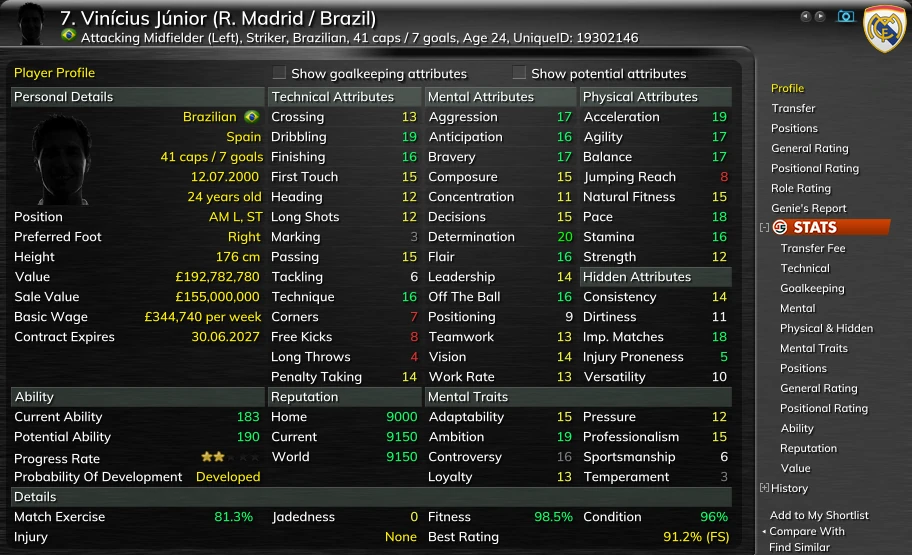
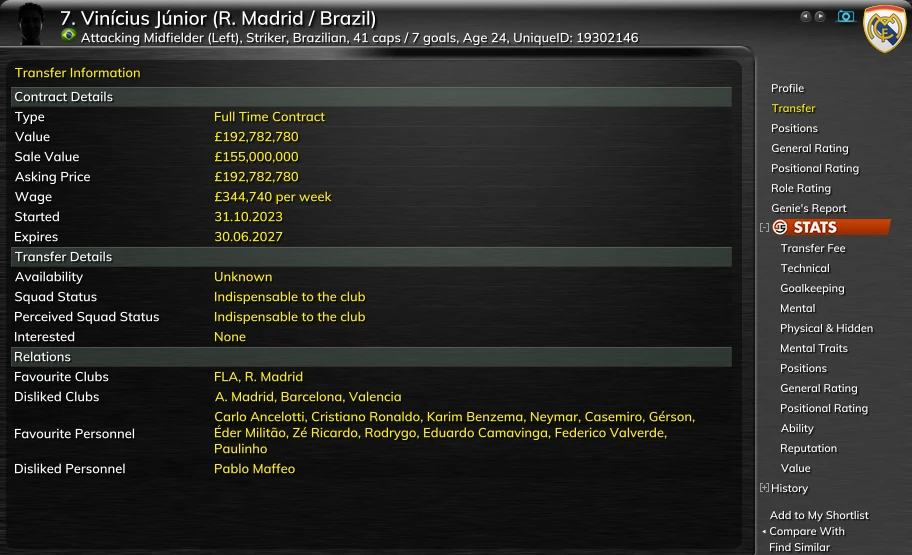
Search
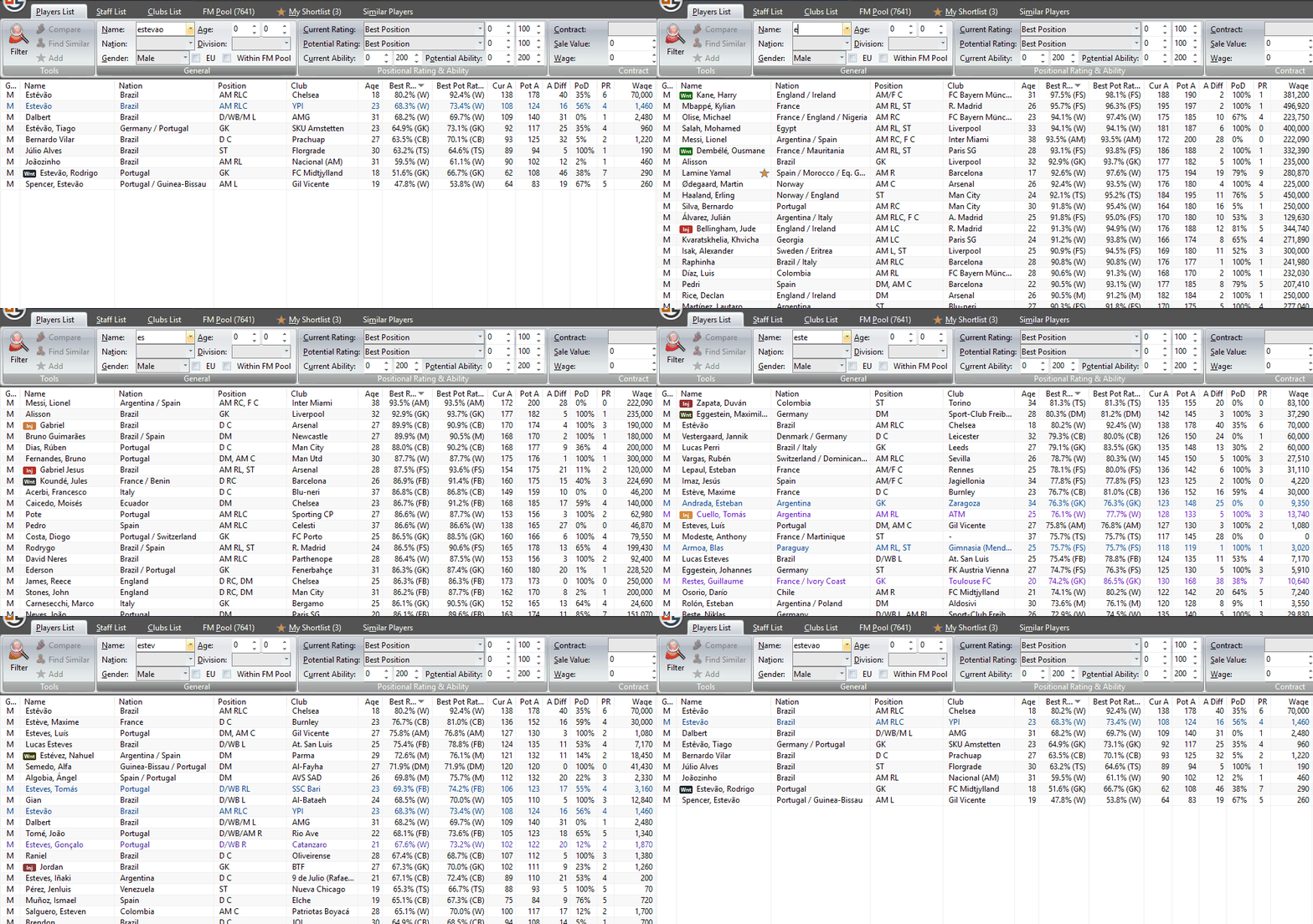
Three lists hold every player, member of staff and club in your save. Type a name and the list narrows as you type; set the ribbon's filters and it narrows again.
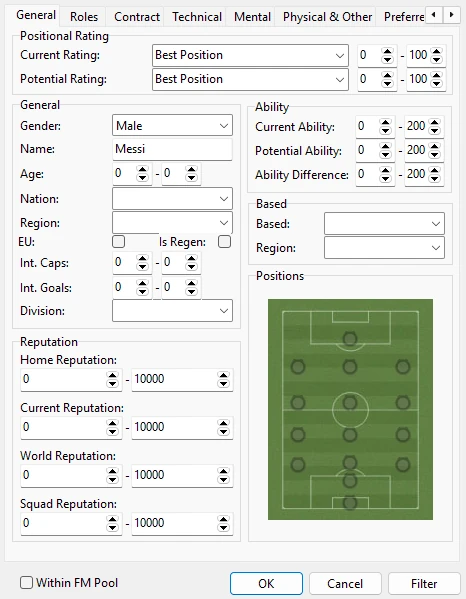
- The ribbon: rating and potential rating at any position, ability, age, nation, division, contract, Sale Value and wage.
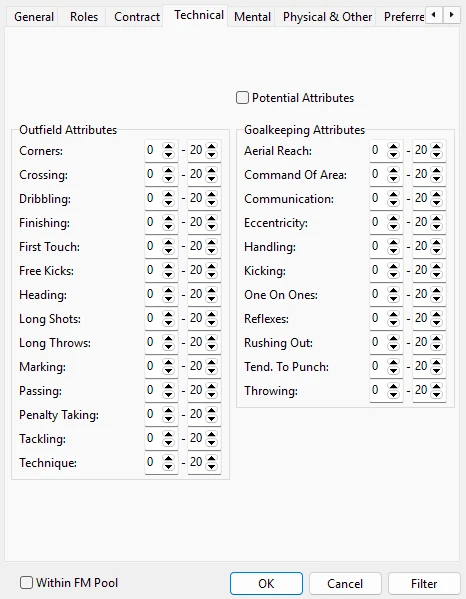
- Player Search: a range on every attribute, hidden ones and Mental Traits included, positional ratings today and at his peak, release clauses, real players or newgens. Searches can be saved.
- Roles & Duties searchg and Search Potential Attributesg: search by role, and by an attribute's value at his peak.

- Players · Staff · Clubs
- Name, as you type
- Current / Potential Rating
- Contract · Sale Value · Wage
FM Pool and My Shortlist
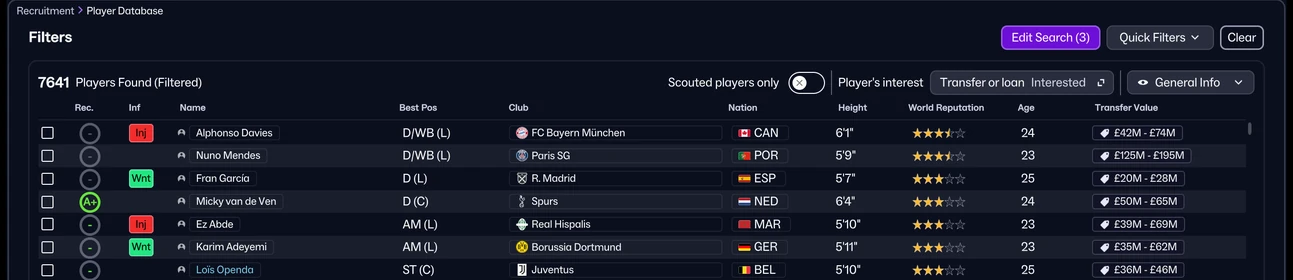
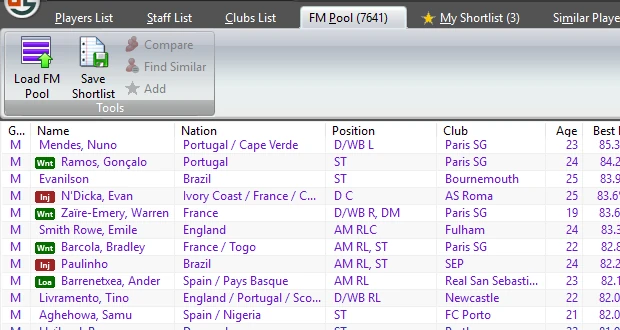
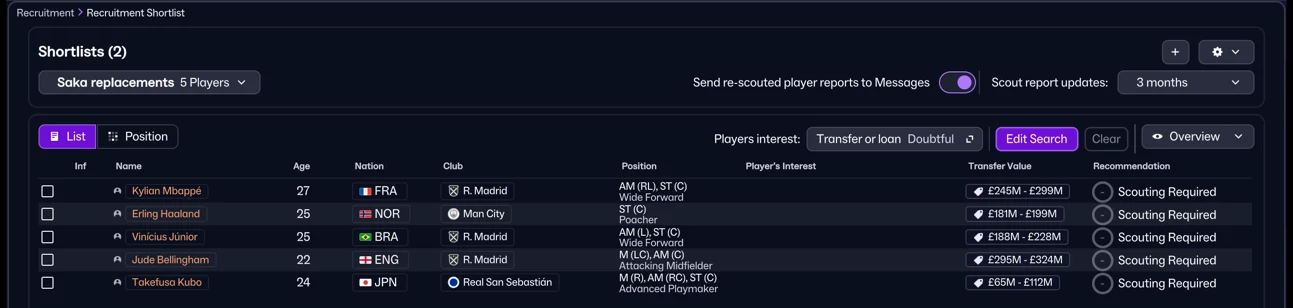
Filter FM's Recruitment › Player Database, for example by Player's interest, then press Ctrl+L: those players become your FM Pool, purple in every player list. Star the ones you want for My Shortlist, which travels to FM's Shortlists screen as a file, and back.
- FM Pool holds the players FM was showing. Genie Scout does not judge who would join: FM does, through your filter.
- Ctrl+L replaces the pool each time. Within FM Pool keeps Player Search, the Players List and Find Similar inside it.
- My Shortlist holds the players you star. Save it as a file FM imports, or load a shortlist file, Genie Scout's own or one FM exported.
- Both lists empty when you load another game; your saved file keeps your picks.
Find Similar and Compare
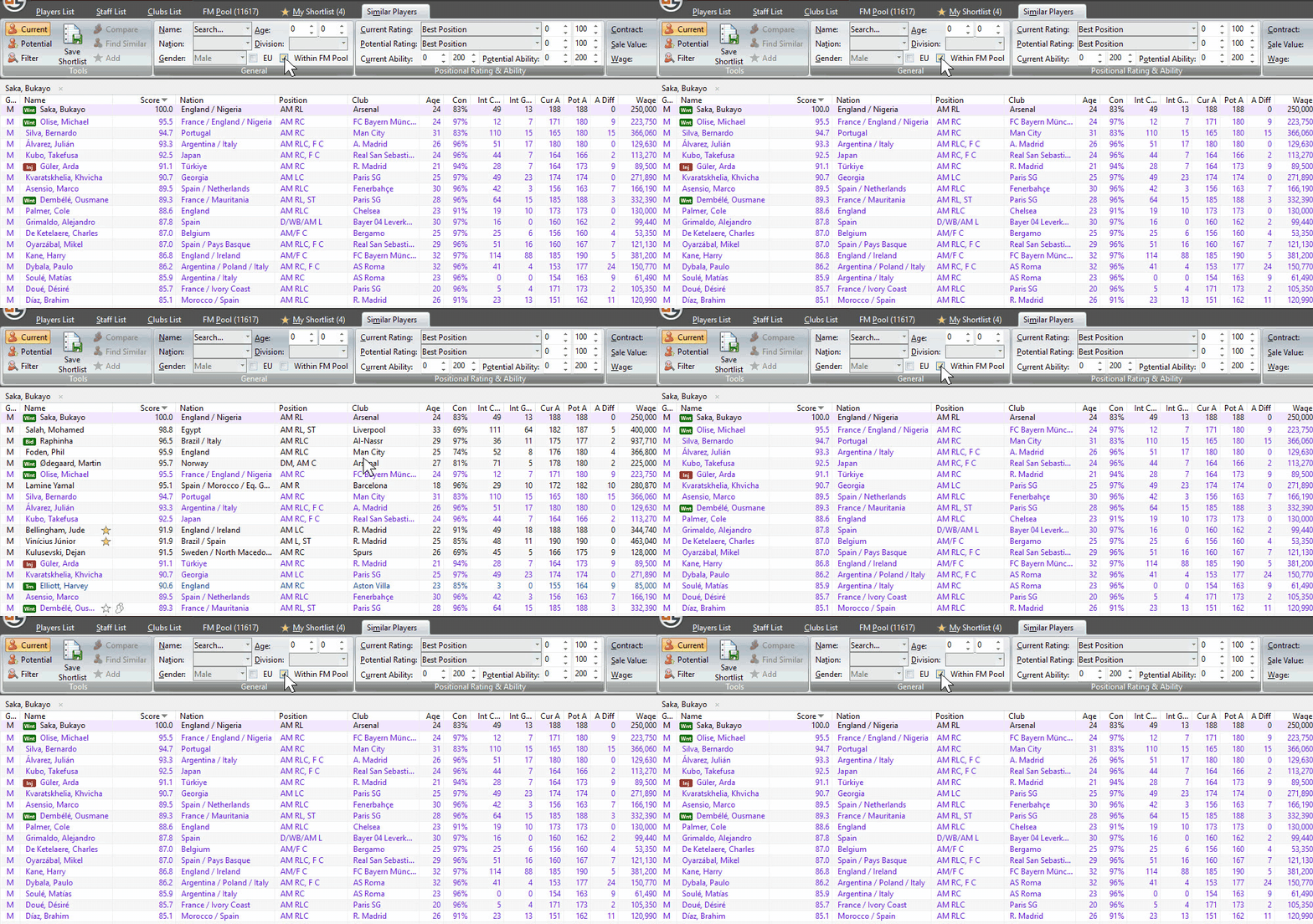
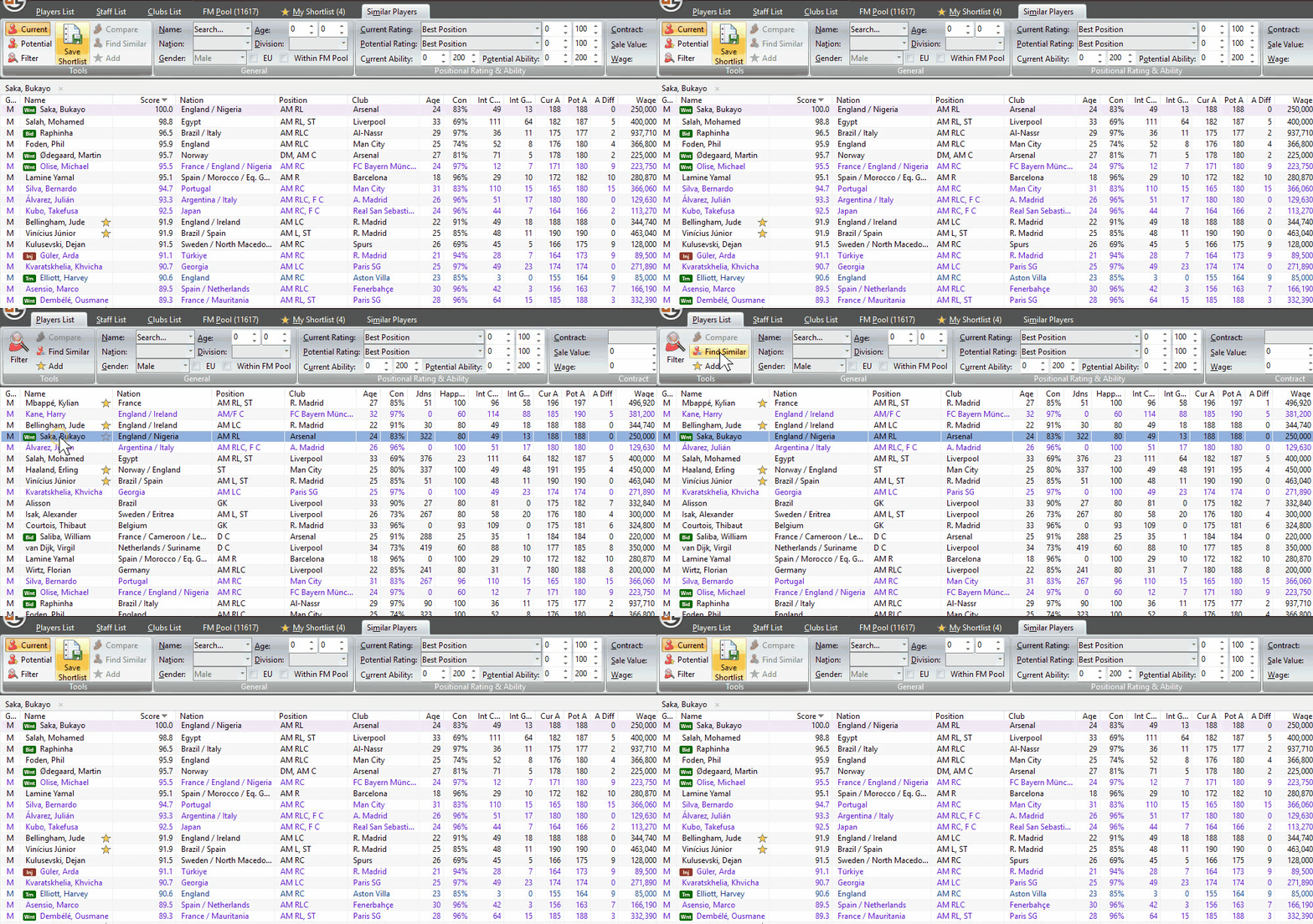
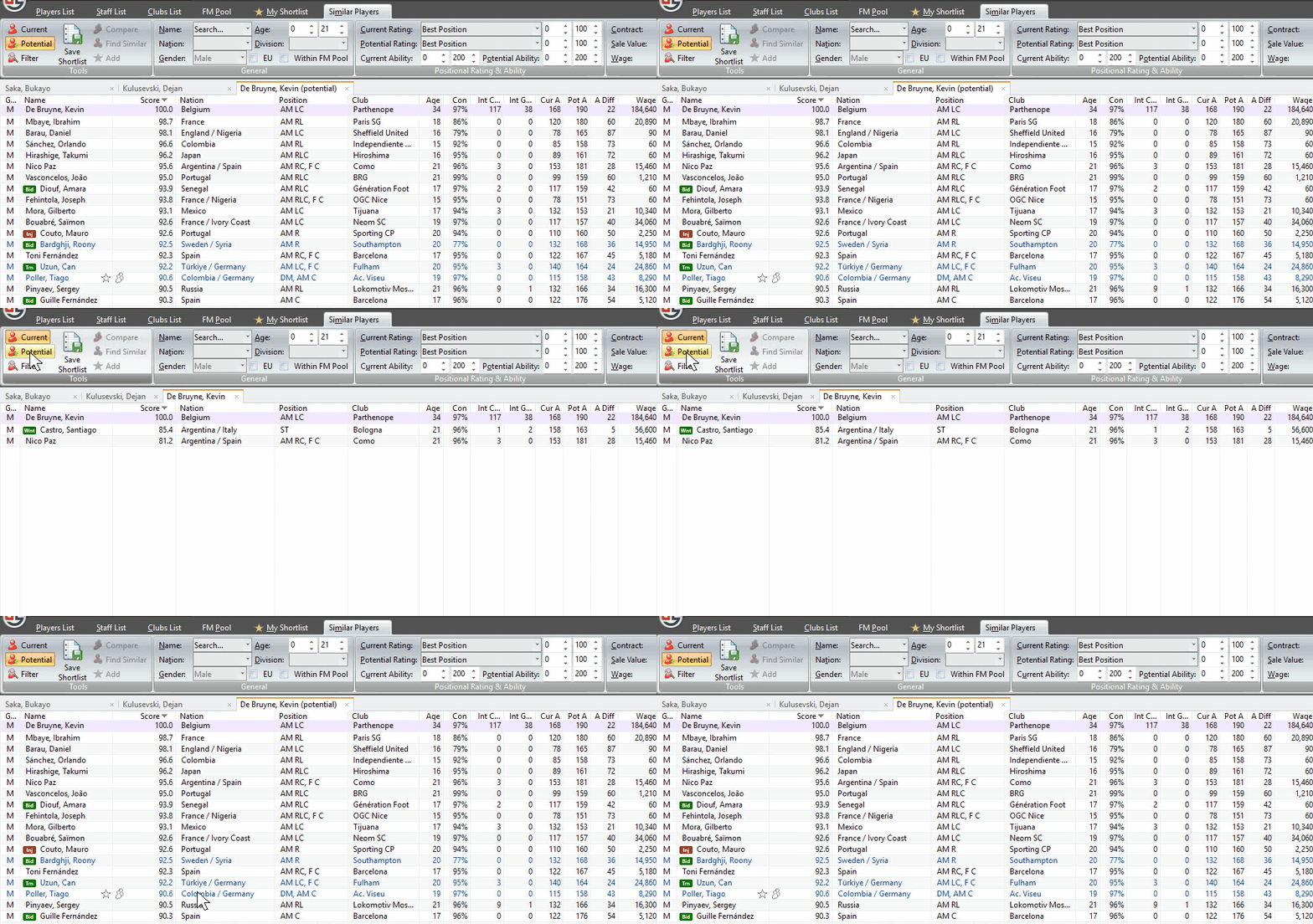
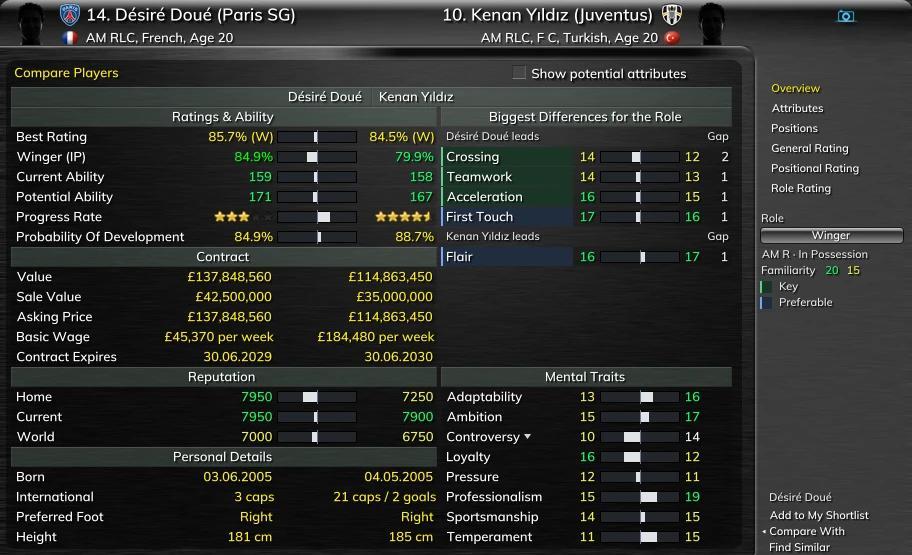
Find Similarg scores every player in your save against the one you choose, who scores 100, as he is today or at his peak. Compare puts two players side by side for the role you need.
- Find Similar keeps the usual filters and Within FM Pool; goalkeepers are scored against goalkeepers, and up to eight searches stay open as tabs.
- Compare has six pages: Overview, Attributes, Positions, General Rating, Positional Rating and Role Rating, with the same tick to see both at their peak.
- Start a comparison from two rows in any list, from a profile's Compare With, or from a Similar Players score.
In-Game Scout
Hover a player's (i) icon in Football Manager and his Genie Scout card appears over the game, hidden attributes included. Hold Shift and the card shows him at his projected peak; let go and he is back to today.
- The card follows FM's interface size.
- Under Shift every attribute, his ability and his best rating move to his peak; Potential Ability, Probability of Development, value and contract stay as they are.
- One switch in Options turns it off.
- PC through Steam or Xbox/PC Game Pass, not Console.
Rest the pointer on any player's (i), then hold ⇧ Shift to see him at his peak.Tap any player's (i), then hold the ⇧ button to see him at his peak.Pick a player, then hold the ⇧ button to see him at his peak.
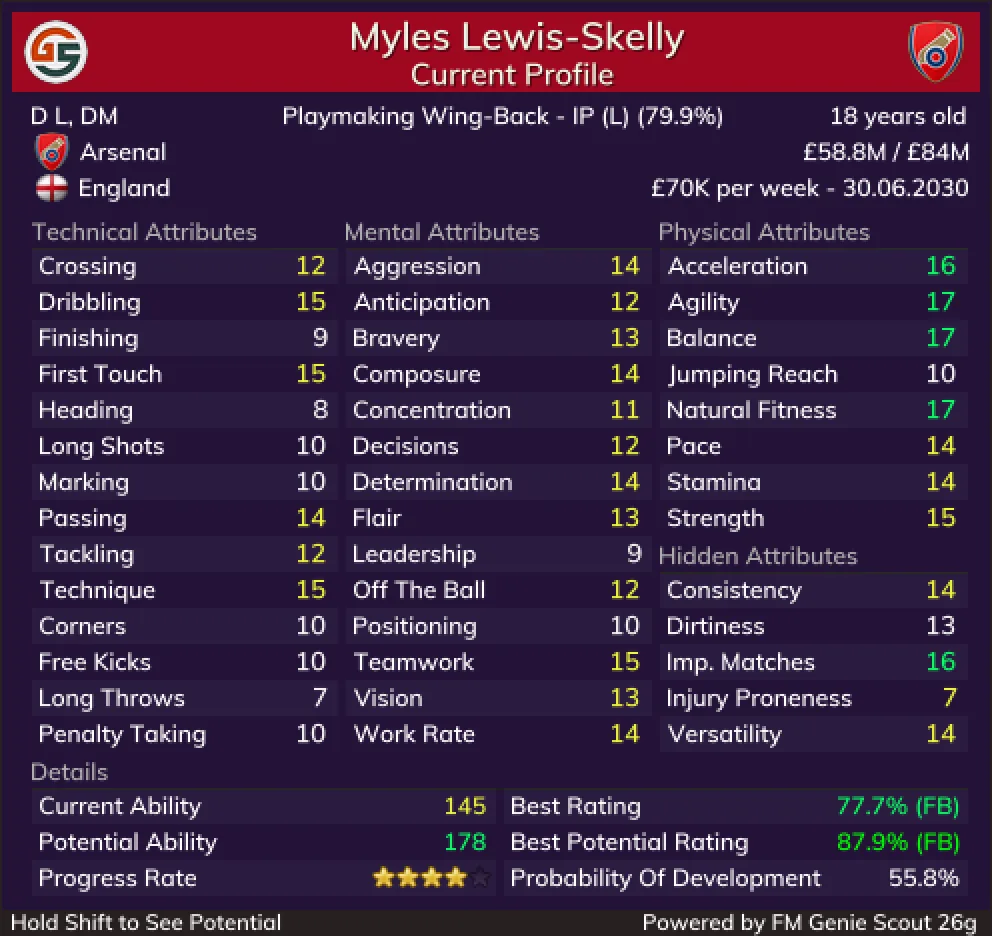
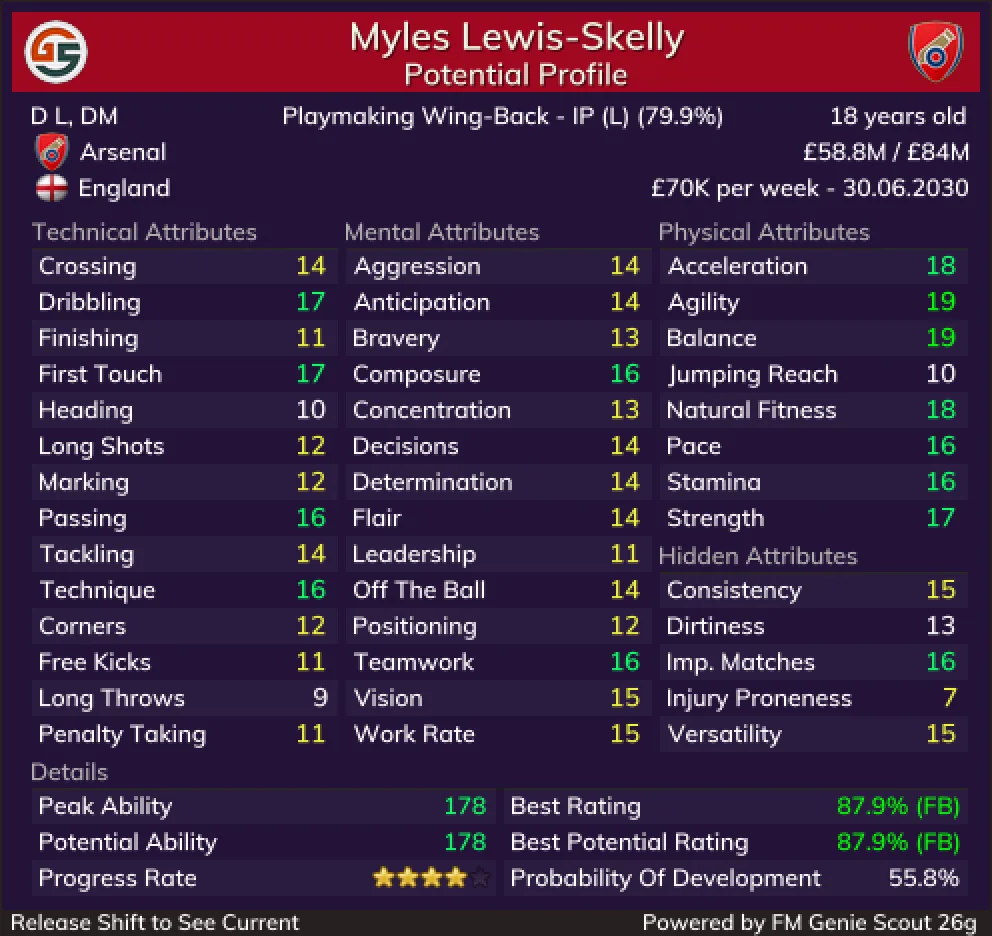
Myles Lewis-Skelly · today


GS STATS
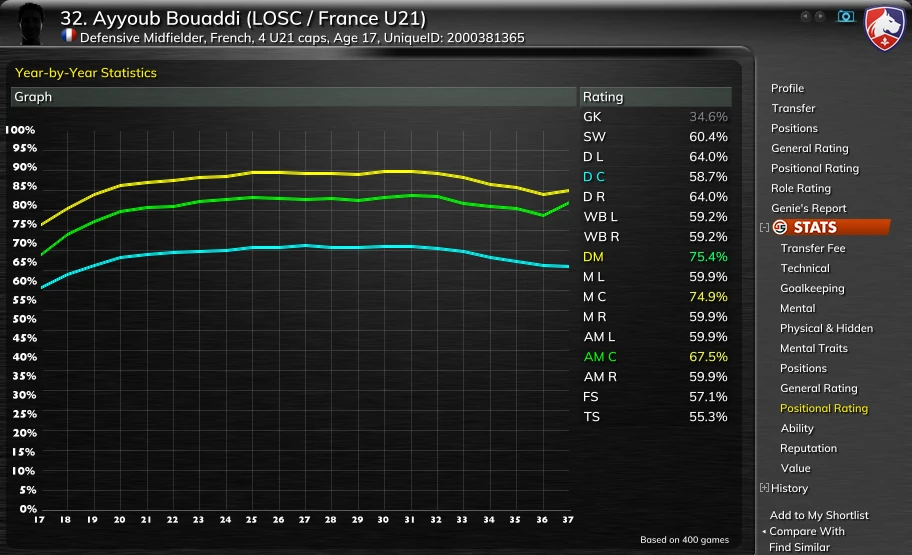
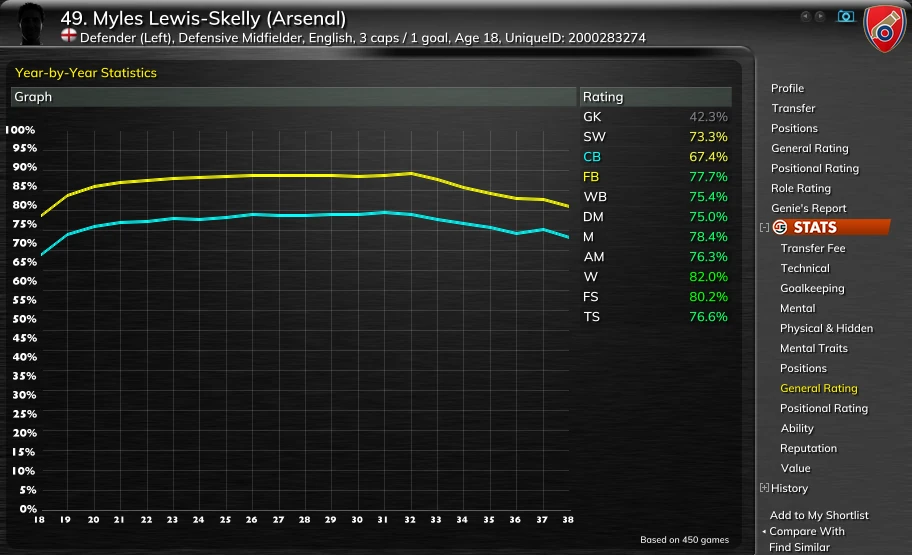
How the same real player developed in other managers' careers, by age: his rating at each position, his attributes, ability, reputation and value, and what clubs paid for him. See at what age he reached his best in each position, and at what age his value peaks.
- Built from snapshots that users who opted in shared from their own saves.
- Real players only: newgens are new in every save.
- Every page says how many games it is based on.
History points
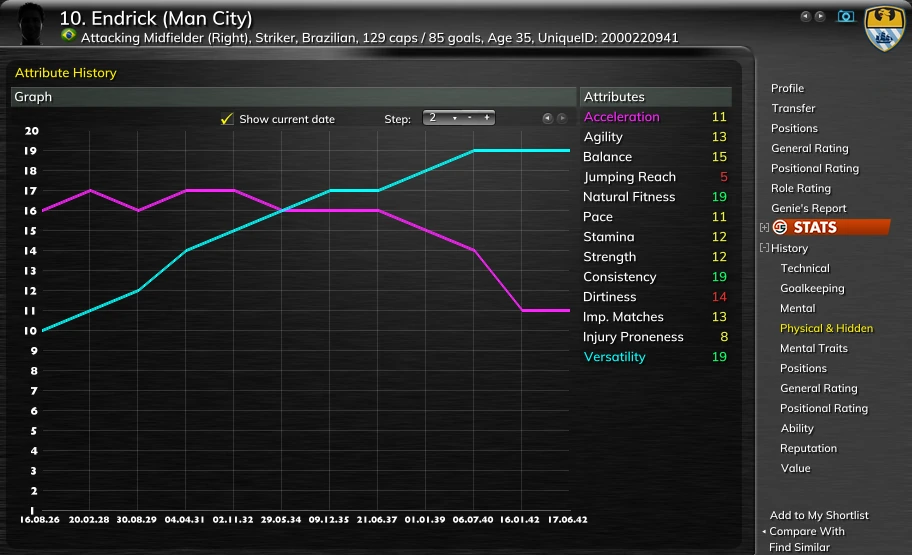
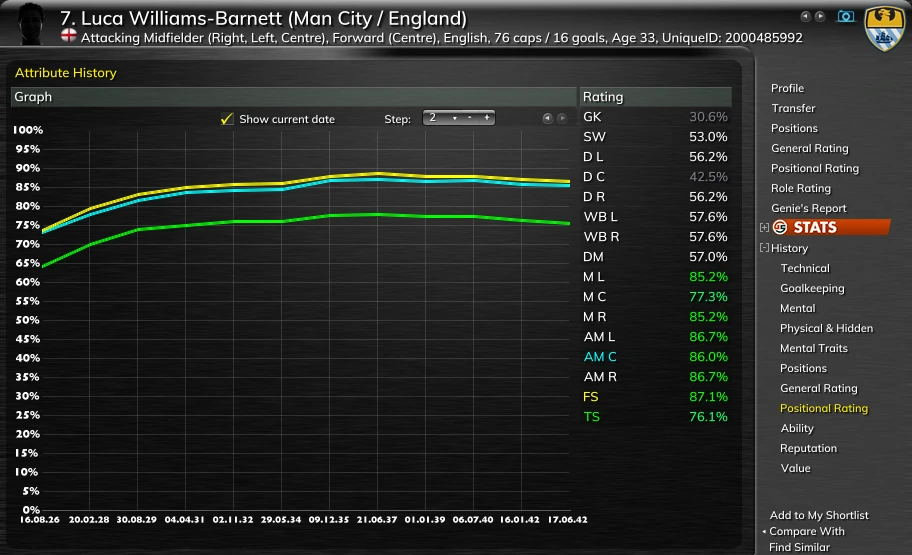
Your save's own record. Genie Scout snapshots every player, by hand or every 1, 3, 6 or 12 in-game months while it runs beside FM, and charts how each one actually changed, date by date.
- Attributes, General and Positional Rating, ability, reputation and value, for any player in the save, your own squad included.
- The record starts when you start it.
Staff and clubs
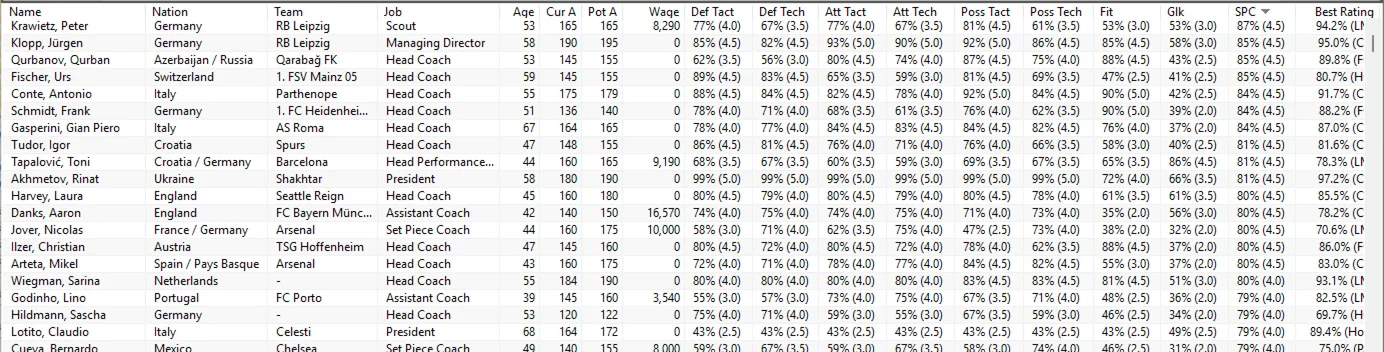
Build your backroom team. Every coach is rated in each of FM's nine coaching categories, so you can hire the specialist each area needs.
- Every member of staff is also rated for every job, from Head Coach and Scout to Head of Youth Development and Performance Analyst, and Staff Search filters by coaching category, job, contract and ability.
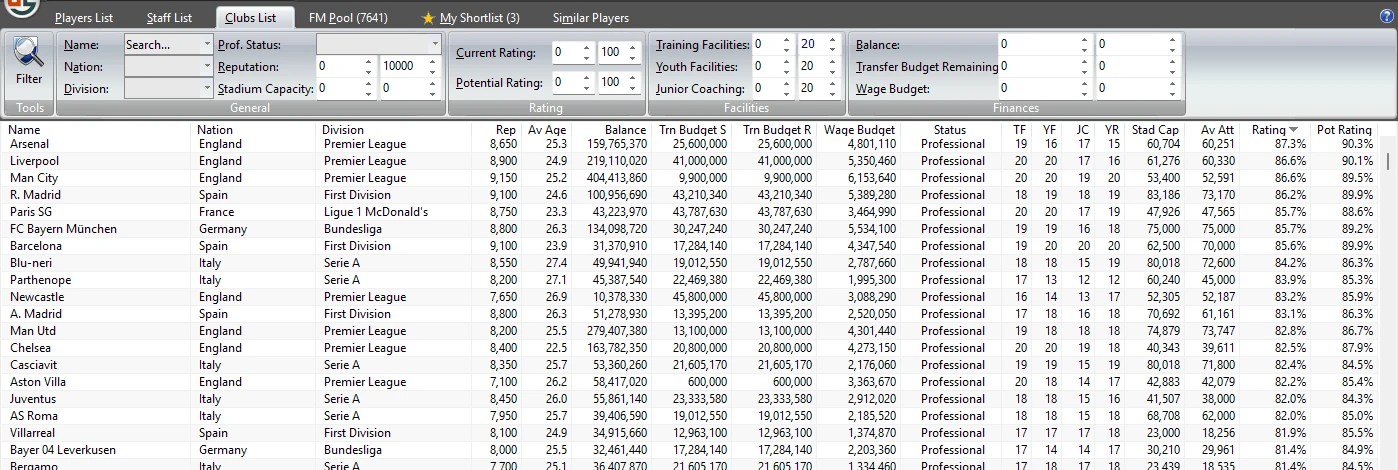
- The Clubs List shows every club's finances and facilities as numbers.
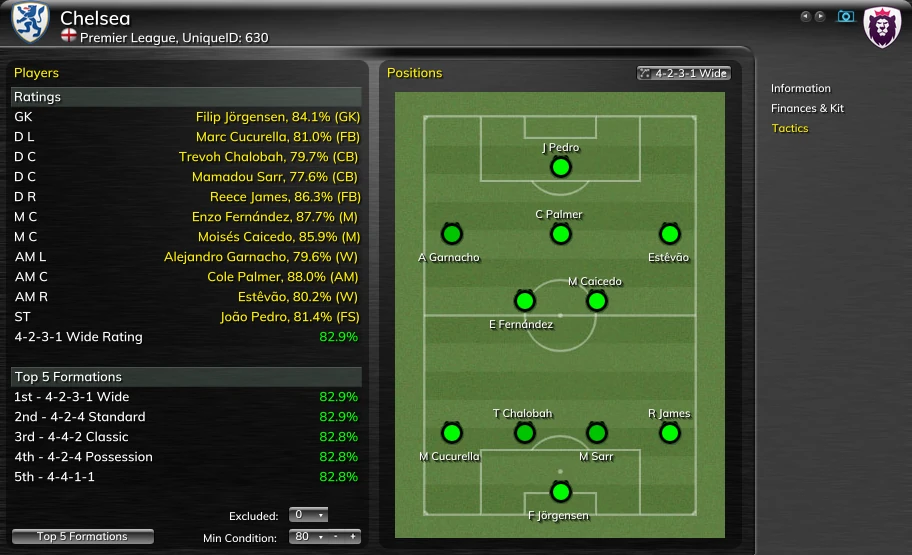
- A club's best eleven for any formation, and its top five formations.
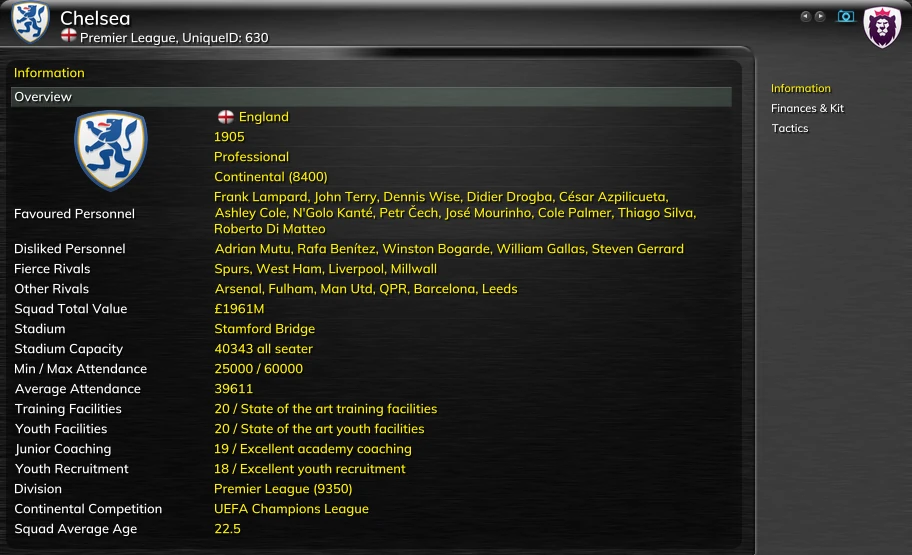
- Any club's or national team's players and staff in one list.
Your way
Arrange the lists the way you read them, and keep it.
- Columns and layouts: choose, order and sort the columns of every list; the arrangement is kept between sessions.
- Your facepacks and kitsg on profiles and lists.
- In your language: Genie Scout's own screens come in over twenty languages.
Safe, fast, current
- Reads your running game and never changes your save. Genie Scout only reads; nothing is written back to FM.
- Most loads finish in under 10 seconds. Source: GS 26 users, September 2026.
- Updates itself when you start it.
- Keeps up with Football Manager patches.
- For Windows. Versions and compatibility are on the download page.
The g edition
One purchase adds nine features to Genie Scout, without ads.
Back to the home page